AI virtual try-on & styling

The fitting room, anywhere

See it on you before you buy.

Try on clothes with AI, style your own wardrobe, snap items in-store, and get outfit ideas — all in one app.

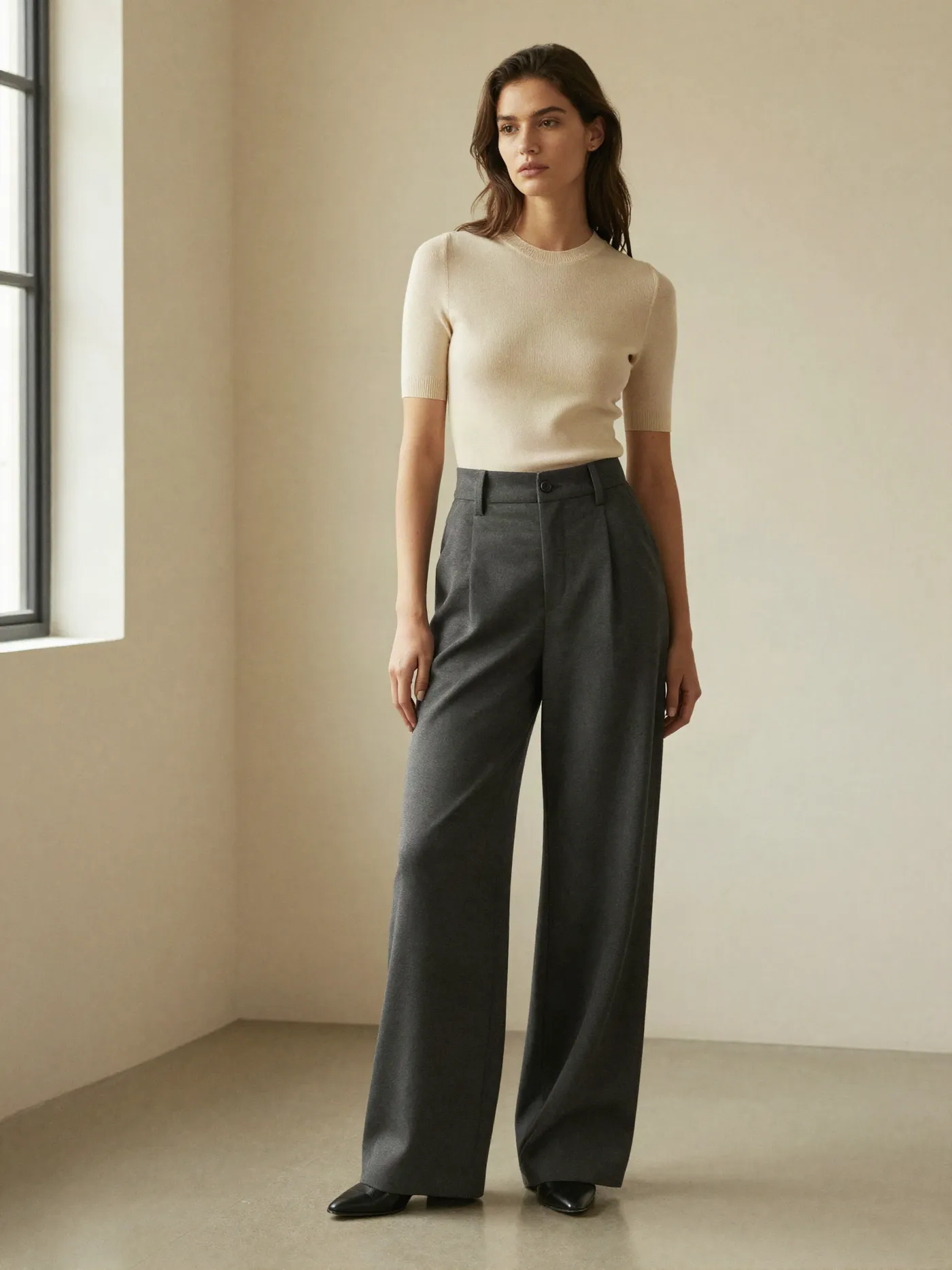
A woman in a cream knit top and wide charcoal trousers standing in a bright studio
Fig. 01Illustrative imagery

Everything you can do, in one place.

One app, five ways to see it on you. Tap any feature to start.

  1. 01AI Try-OnUpload your photo, pick or upload a garment, and see it on you.A woman in a red dress reflected in a tall arched mirror
  2. 02Snap & TryIn a store? Snap any item and instantly see it on yourself.A man holding a denim jacket on a hanger in a clothing store
  3. 03Outfit StudioUpload your own clothes and preview a whole look together.A styled outfit laid flat: knit sweater, trousers, loafers and a leather bag
  4. 04My ClosetSave your wardrobe and let AI style an outfit for any occasion.A tidy wardrobe rail with linen shirts, a cardigan and a wool coat
  5. 05LookbookSave the looks you love and revisit them anytime.A woman in a cream knit top and wide trousers in a bright studio

How the try-on works.

A full-length photo of a person standing in a bright room
1

Add your photo

Snap a full or half-body photo, or upload one from your gallery.
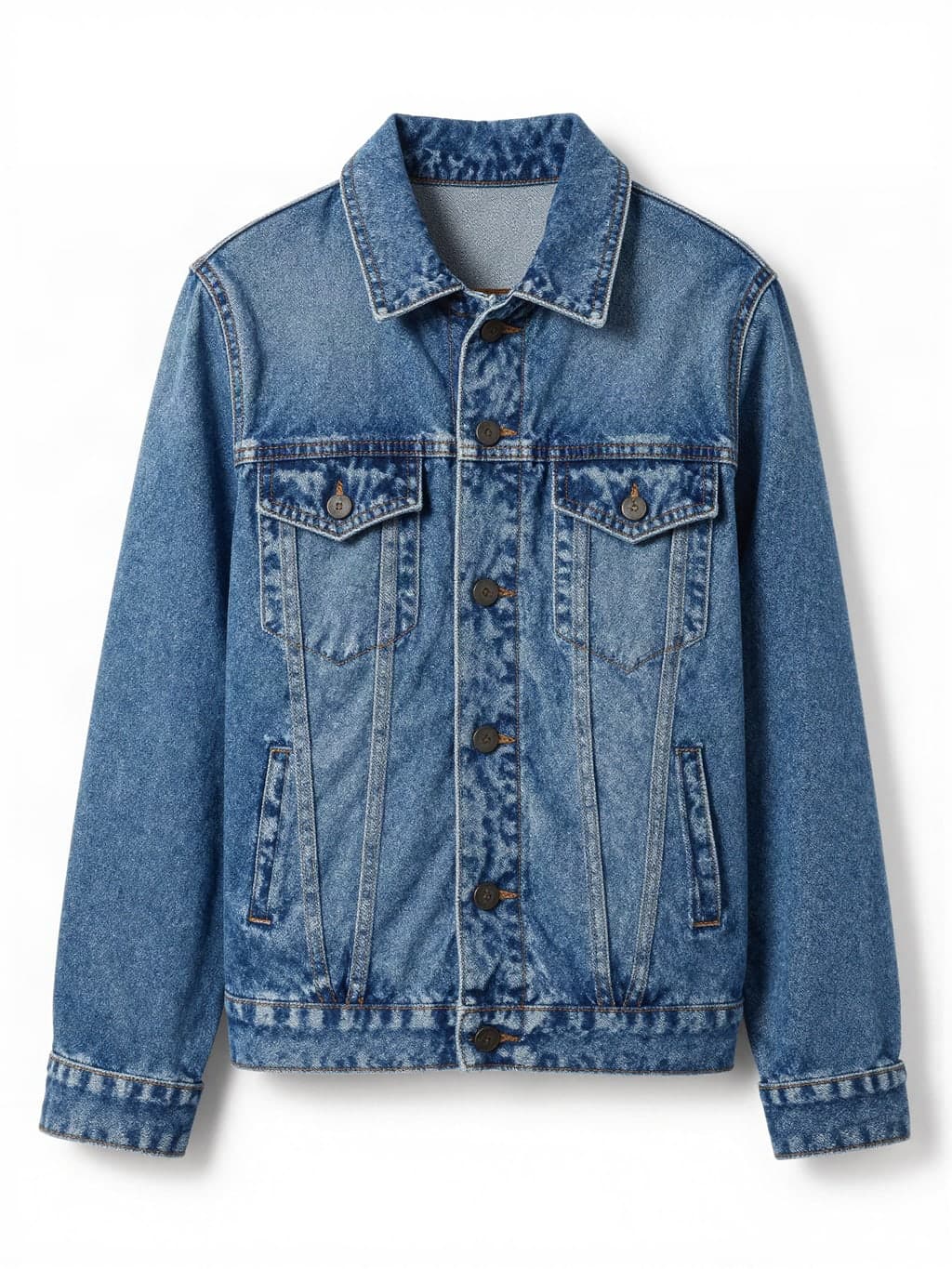
A blue denim jacket laid flat on a white background
2

Pick an item

Choose from the shop, or upload a photo of any garment you like.

you,
wearing it.

3

See it on you

Our AI generates a realistic preview of you wearing it.

Browser extension

Shopping online? Try it on right there.

Right-click any clothing photo on any website and try it on with Mirror'd.

Get the extension (Edge)
Step into the fitting room.

A woman in a red dress reflected in a tall arched mirror